Type
BoxLock Control
Release Date
November 20, 2026
Features
Work PermitsActivitiesLOTO Station
This update focuses on Permit to Work, LOTO Station, and tag printing. Teams can manage permits across locations, see the activity that’s relevant to their work, and print a group’s tags in one batch.
Permit to Work
- Manage one permit across multiple locations. When a permit covers a group of locations, eligible workers can tag on when the group permit is approved, subject to the site’s existing rules.
- Keep track of permit changes. Permit notifications cover affected workers across the locations included in a permit. The Permit to Work report gives teams a place to review permit status.
LOTO Station and drawings
- Improved Activity Feeds - The Activity Feed in LOTO Station now opens with the whole Organization. Choose Sheet to see activity for the drawing you’re viewing. This also fixes a misleading “no activity” message that could appear while recent events were available.
- Improved Reference Point Editing - Resolves an issue when editing Reference Points on Single Line Drawings when an Organization has more than 1,000 Locations.
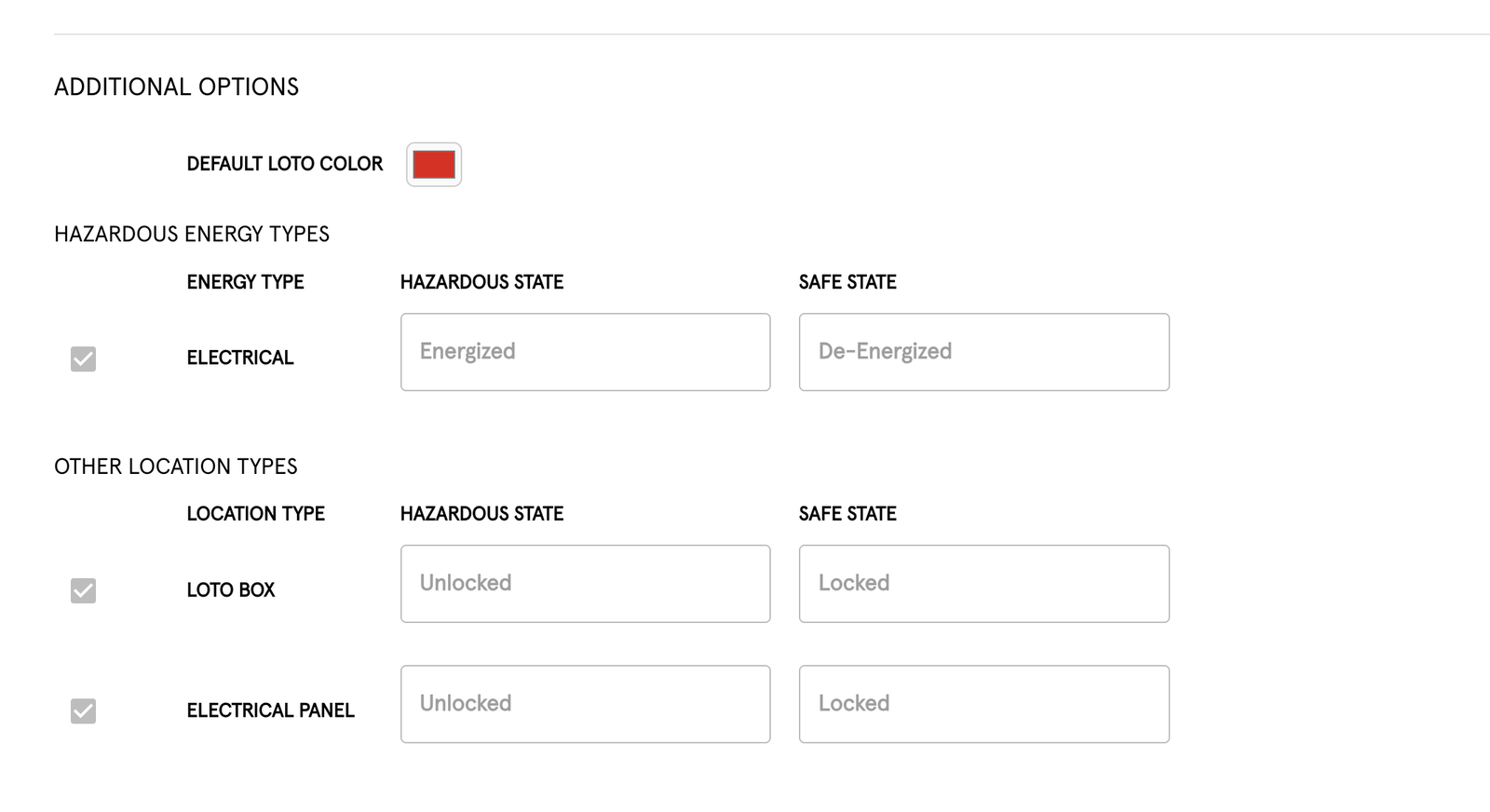
- New Location Type Hazardous Energy Types - Choose Electrical Panel or LOTO Box under Other Location Types.
LOTO tag printing
- Print tags for a location group in one batch. Open Location Group Settings → Print Tags to preview and print a multipage document, with one page per location.
- Print on 2.25 × 3 in. Brady vinyl labels. The new size is available in the LOTO tag print options.
Administration
- Review lock assignments before transferring responsibility. The administrative lock transfer confirmation now makes clear that you should verify the current assignments before authorizing the transfer.